How to install Metixon on your website or app
Create your project, copy the snippet with your key, and paste it before </head>. In under five minutes you'll see your first visitor in real time.
/onboarding · Settings → InstallationNarratedInstall Metixon on your site or app, step by step
Hi. Let's install Metixon on your site in under five minutes, and start seeing your visits in real time.
1Create project: name and allowed domains
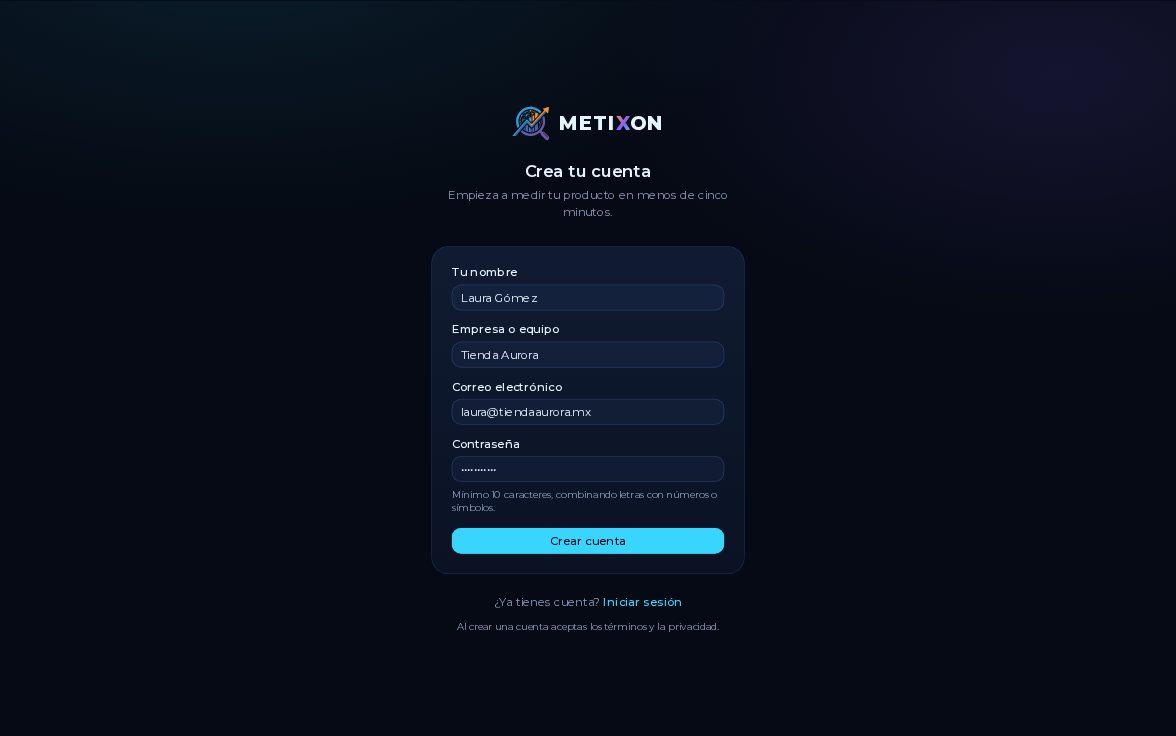
First, create your project: a name and the domains you'll send data from, comma-separated.
2Choose Web or Server and save your secret key
Now choose how to install it. Web is a script tag for your site or app; Server is the API.
Keep your secret key safe: it's only shown this once, and never goes in browser code.
3Copy the snippet and paste it before </head>
Choose Web and click Copy. The snippet already has your project's key.
Paste it on your site, before the closing head tag, and publish the change.
4Wait for the first event and Go to dashboard
Back in Metixon, the screen waits for your first event. As soon as someone opens your site, you'll know.
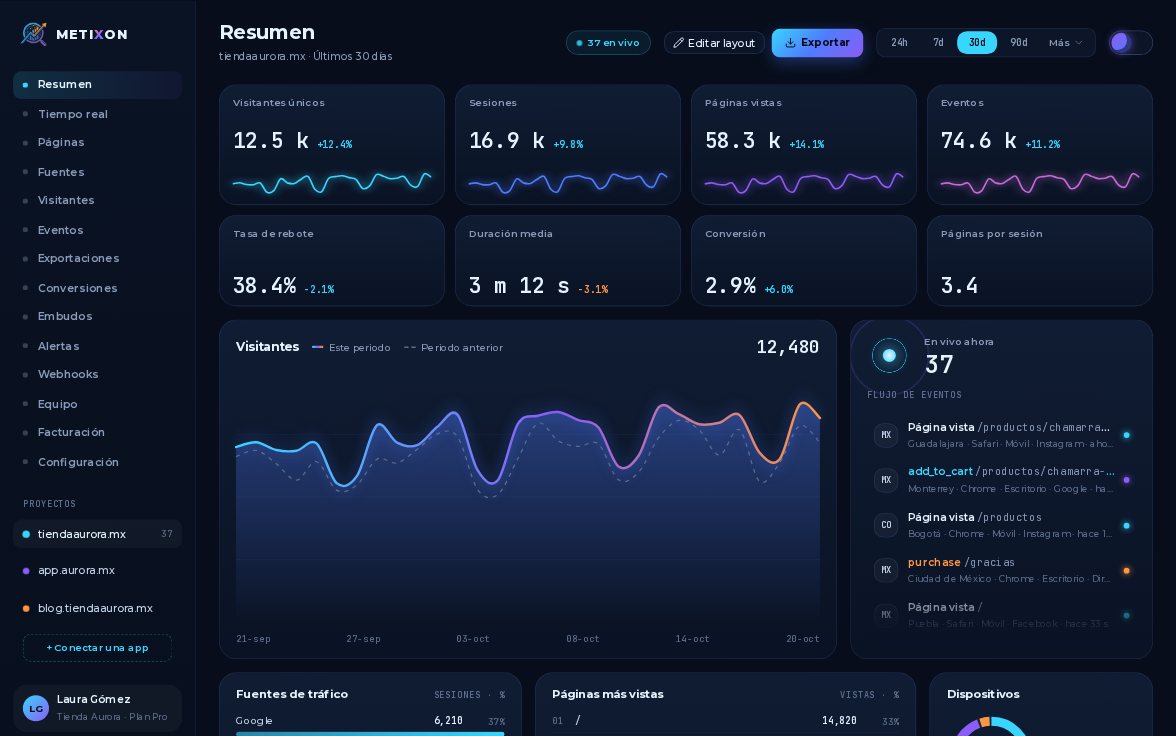
Click Go to dashboard, and there's your first visitor.
5The snippet is always in Settings → Installation
Need the snippet again later? It's in Settings, on the Installation card.
Create the project, copy the snippet, paste it on your site and wait for the first event. That's how fast you start.
Frequently asked questions
Where do I paste the Metixon snippet?
In your site's HTML, before the closing </head> tag, and then publish the change. That way it loads on every page without slowing your site down.
What is the secret key for?
For sending events from your server with the REST API. It's only shown once when you create the project and should never go in browser code.
Where can I find the snippet again?
In Settings, in your project's Installation card.