How to create a Metixon account and your first project
Sign up with your name, email, and password, confirm your email with the verification link, and create your first project with its allowed domains.
/register → /onboardingNarratedCreate your account and your first project, step by step
Let's create your Metixon account, confirm your email and set up your first project. It takes two minutes.
1Sign up with your name, email, and password
On the Create your account page, type your name. Company or team is optional, but it names your organization.
Then your email and a password of at least ten characters, mixing letters with numbers or symbols.
Click Create account. Metixon takes you straight to your first project and sends you an email.
2Confirm your email with the verification link
Open the Verify your email on Metixon message and click Verify email. The link lasts forty-eight hours.
A page opens confirming your email. If it never came or expired, resend it from My account.
3Create your project: name and allowed domains
Back in the Metixon tab, name your project and type your site's domains, separated by commas.
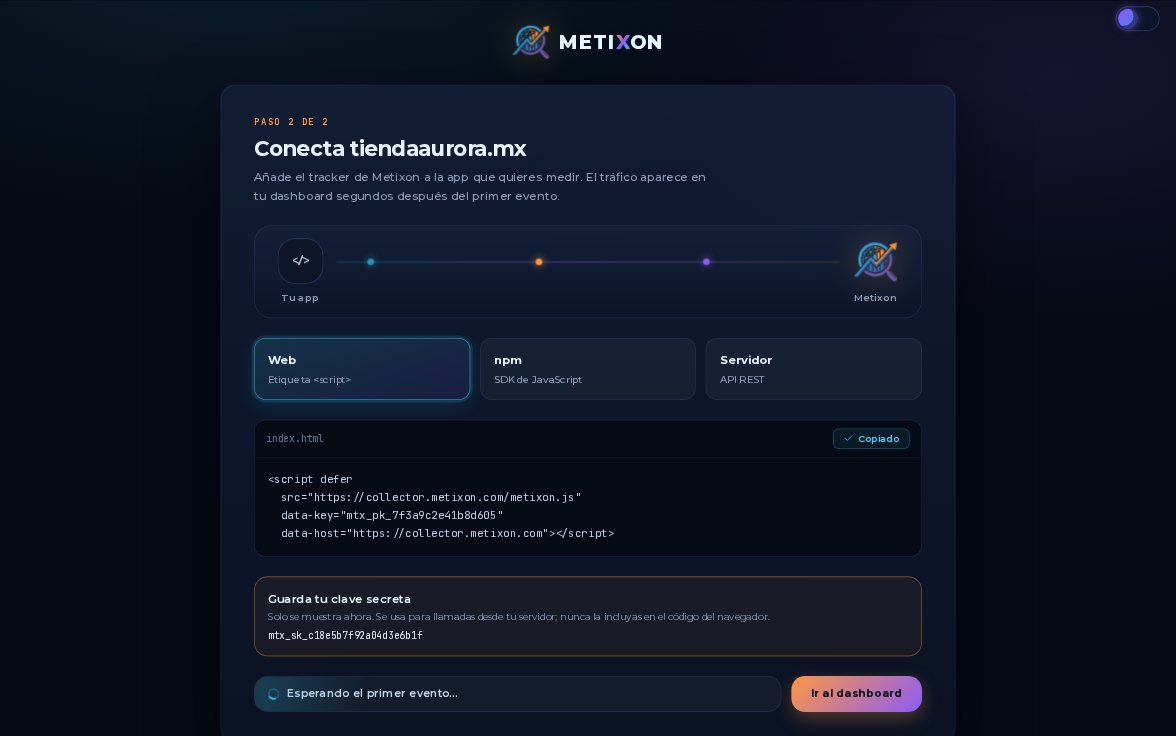
Click Create project. Next you install the snippet on your site; we cover that in the next video.
Account created, email verified, project ready. Now you just need to install Metixon on your site.
Frequently asked questions
What password does Metixon require when you sign up?
One with at least ten characters that combines letters with numbers or symbols.
How long does the email verification link last?
Forty-eight hours. If it didn't arrive or it expired, you can resend the verification from My account.
What are a project's allowed domains?
The domains your site sends data from, separated by commas. Metixon only accepts traffic from them; *.yourdomain covers the subdomains.