How to send events and conversions with Metixon
Use metixon.event, metixon.conversion, and metixon.identify from the Metixon snippet, and check in Realtime that your events are coming in.
Send events from your site or app, step by step
Let's send events from your site or app with Metixon: actions, sales with their value, and customers by name.
1metixon.event(): track an action with properties
This is the store's code. It already has the Metixon snippet in the head, with the public key. Page views count on their own.
When someone adds a product to the cart, call metixon dot event with the event name, add to cart, and an object with its properties.
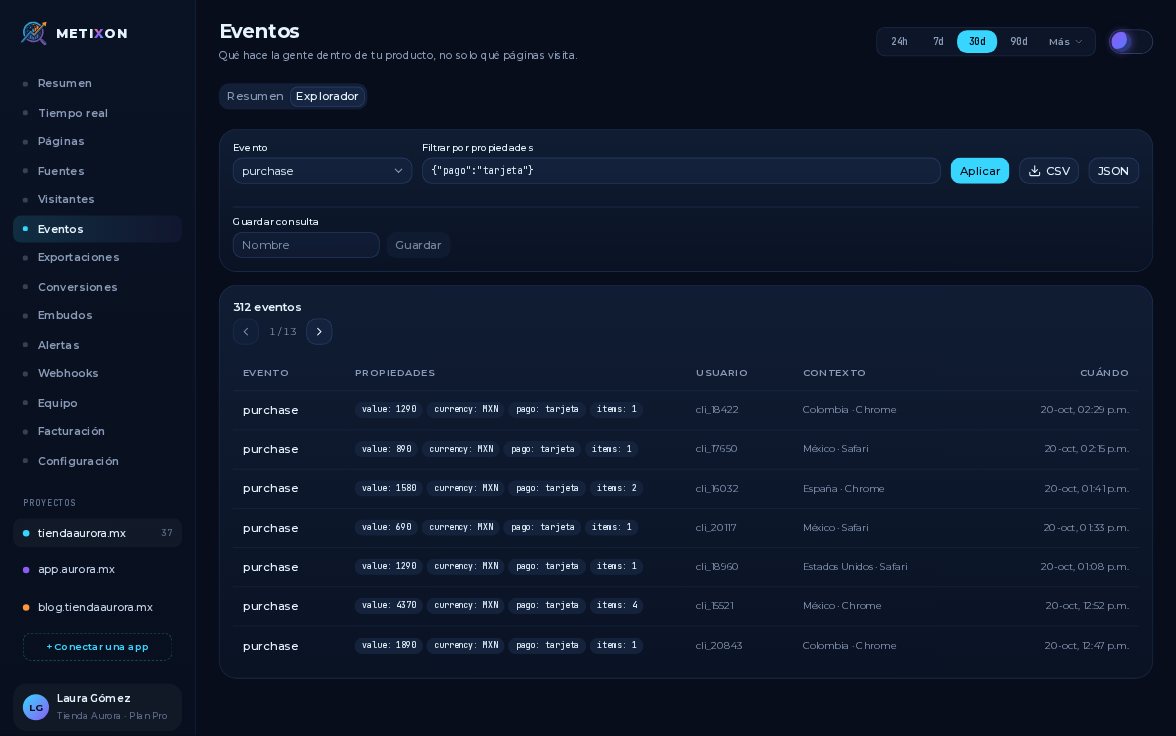
Properties, like product and price, are what you filter by later in the Explorer. Always use the same name for the same action.
2metixon.conversion(): a sale and its value
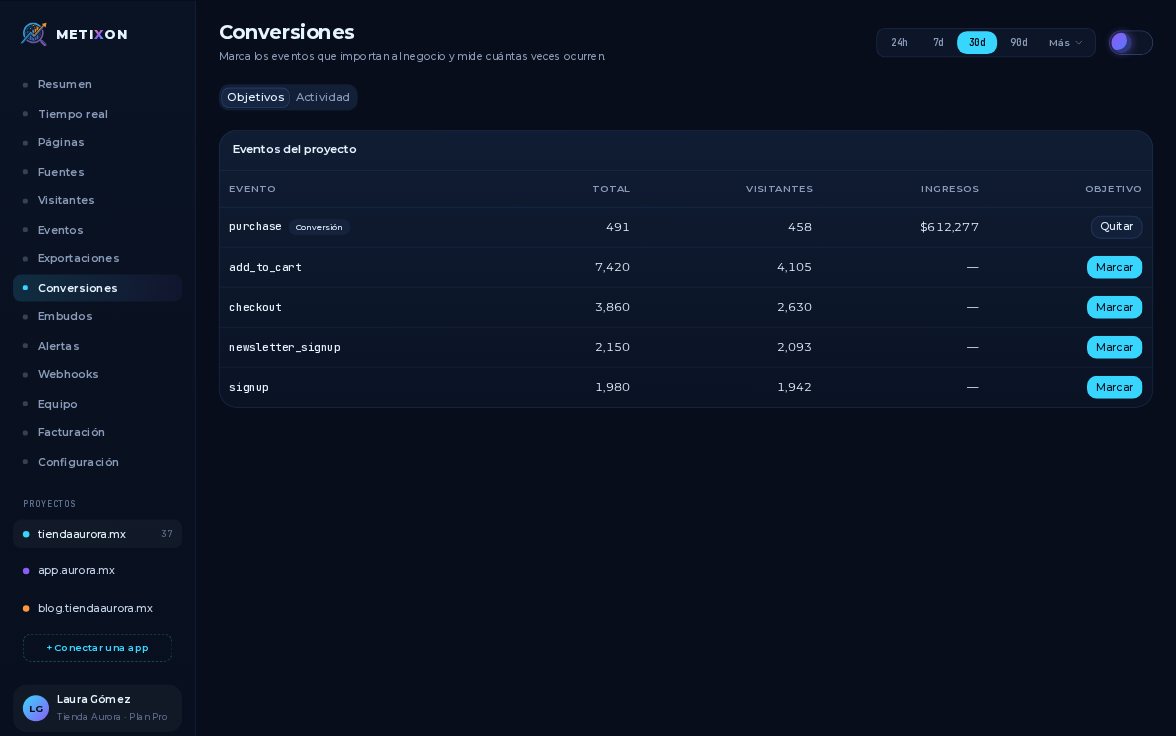
When a payment is confirmed, use metixon dot conversion with purchase. It counts as a conversion, even before you mark it as a goal.
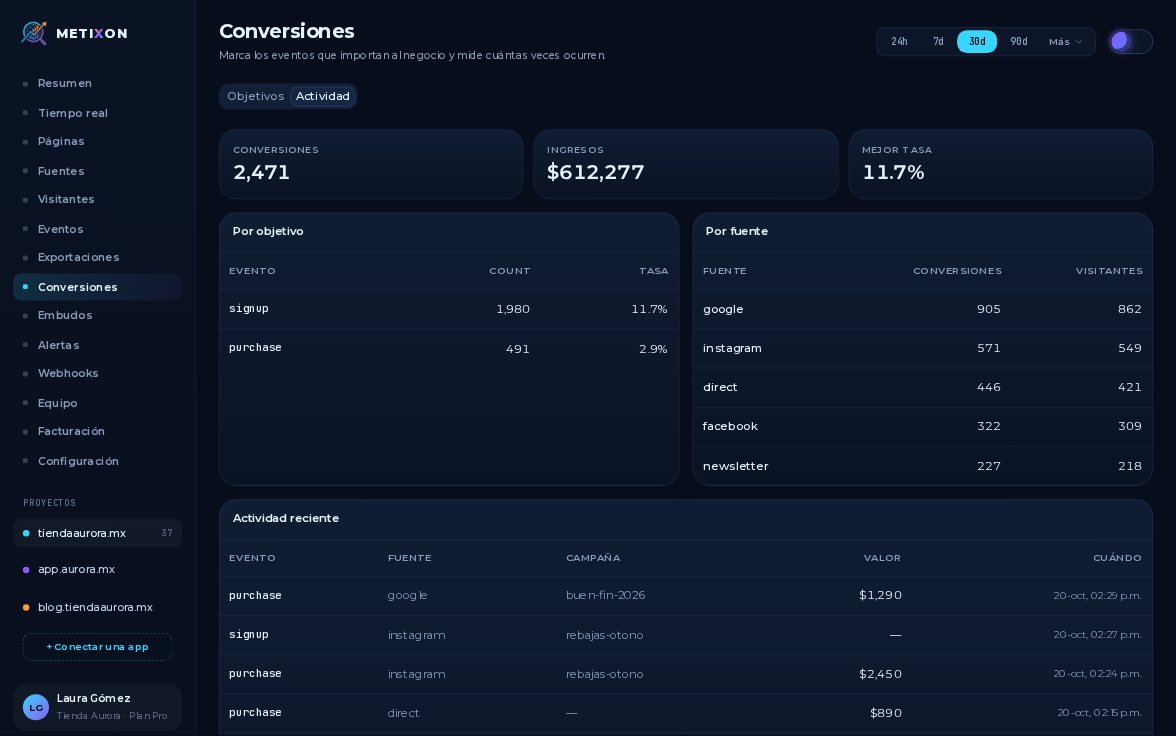
Send the total in value and the currency in currency. Metixon stores it as revenue, in Events and Conversions.
3metixon.identify(): put a name to the visitor
When the customer logs in, call metixon dot identify with their ID. From then on, their events aren't anonymous. On logout, call reset.
4Check that they arrive in Realtime
Publish the change, make a test purchase and open Realtime. In seconds, the identify, the add to cart and the purchase arrive.
Events get a purple dot and conversions show in orange. On the left, the Events and Conversions counters go up too.
Event for actions, conversion for sales with their value, identify for your customers, and Realtime to check it all arrives.
Frequently asked questions
How do I send a sale with its value?
With metixon.conversion('purchase', { value, currency: 'MXN' }). Metixon counts it as a conversion and adds the value to your revenue.
What is metixon.identify for?
It links the anonymous visitor to your app's user, for example when they log in. From then on, their events carry their identifier.
How do I know my events are arriving?
Open Realtime: each event shows up in the Event stream seconds later, and conversions are highlighted in orange.