How to mark conversion goals in Metixon
Turn the events that matter to your business, like a purchase or a sign-up, into goals and track your conversion rate on the project's Overview.
Mark your conversion goals, step by step
Let me show you how to mark conversion goals, so Metixon counts your sales and shows what share of visits end in a purchase.
1What a goal is and why you should mark one
See the Conversion card on the Overview: it's at zero. Metixon doesn't yet know which events matter to your business.
A goal is an event worth money or customers, like a purchase or a sign-up. In Conversions, the Goals tab lists every event in your project.
2Mark an event as a goal in Goals
Find purchase and click Mark. Done: it counts as a conversion, moves to the top of the list, and past data is recalculated in a few minutes.
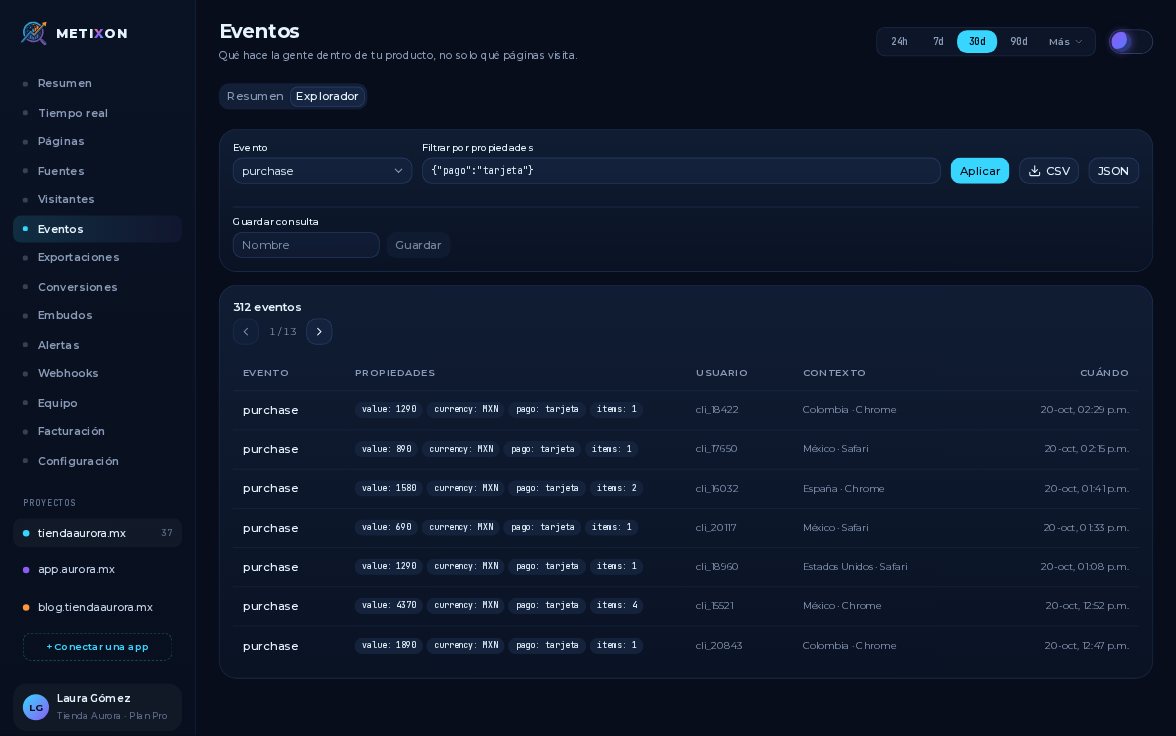
You can also do it from Events, in the Conversion column. There, purchase already has the Goal badge, and Remove unmarks it.
3The Conversion rate on the Overview
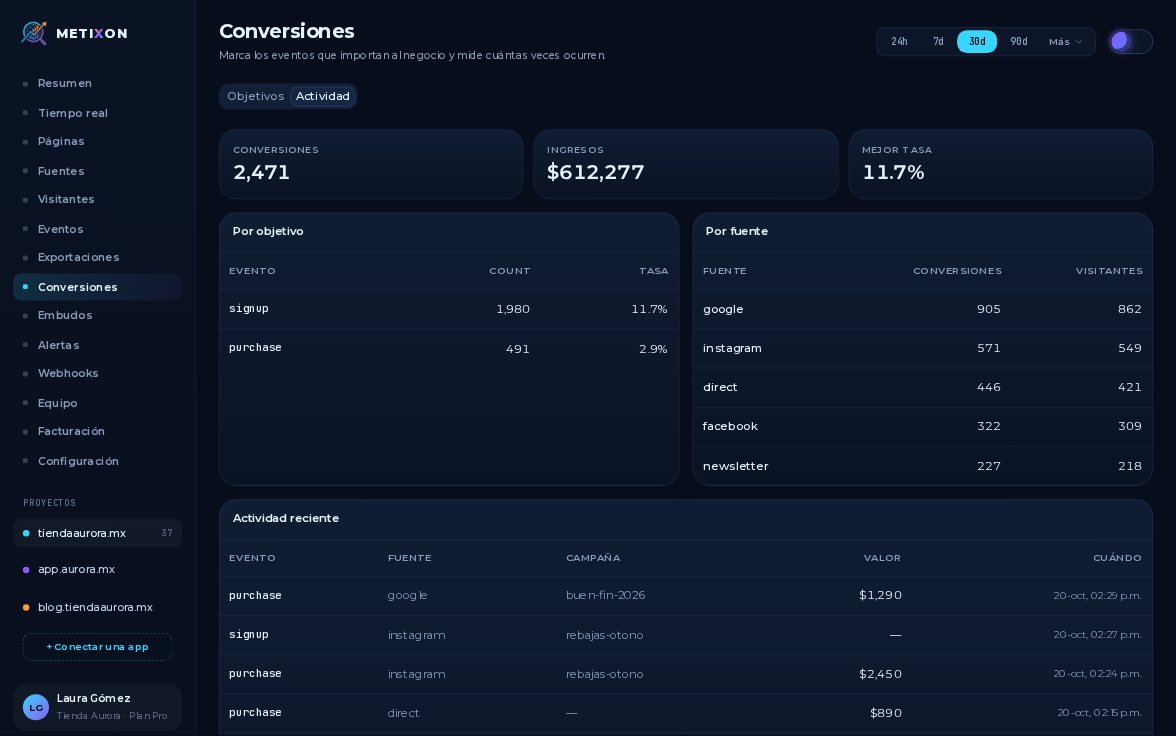
Back on the Overview, the Conversion card has your rate: four hundred ninety-one purchases out of all sessions, two point nine percent.
Mark the events that matter as goals, and track your conversion rate from the Overview.
Frequently asked questions
What is a conversion goal?
An event that matters to your business, like purchase or signup. Once you mark it, Metixon counts every time it happens as a conversion.
Where do I mark an event as a goal?
In Conversions → Goals, with the Mark button in its row. You can also do it from Events, in the Summary tab.
Do events from before I marked it count?
Yes. Past data is recalculated in a few minutes, so the rate covers the whole period.