
How to see who's on your website in real time
Use Metixon's Realtime view: visitors active in the last five minutes, recent counters, and the live event stream, all updating as it happens.
See who's on your site in real time, step by step
Let me show you how the Realtime view tells you who's on your site right now, and what they're doing.
1Visitors now: who was active in the last few minutes
Visitors now counts people active in the last five minutes. Date range filters don't apply here: this view always shows the present.
Below, the chart grows while the view is open and shows how much activity has gone up or down since you came in.
2Recent page views, events, and conversions
These three counters sum up the last twenty-five events received: how many were page views, events, and conversions.
3The live Event stream
On the right is the Event stream. Each row is something that just happened: which page or event, from what city, device, and source.
Watch the dot's color: blue for pages, purple for events, orange for conversions. Look, someone in Guadalajara just bought something.
Visitors now, the counters, and the event stream: everything on your site, live, without reloading the page.
Frequently asked questions
What does Visitors now count?
People with activity on your site in the last five minutes. Date range filters don't apply in this view: it always shows right now.
What are the Realtime counters based on?
The last twenty-five events received: how many were page views, how many were events, and how many were conversions.
What do the colors in the Event stream mean?
The blue dot marks page views, purple marks events, and orange marks conversions, like a purchase.
More from Traffic analysis
 1.1
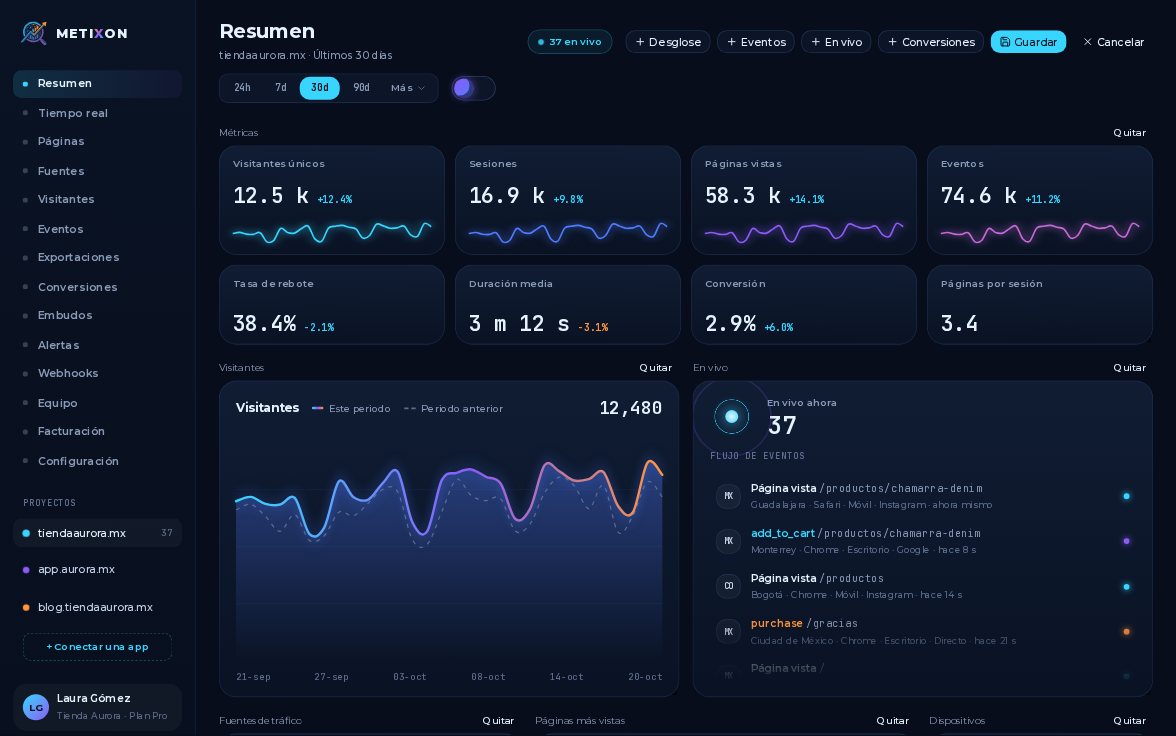
1.1Customize the Overview with widgets
Narrated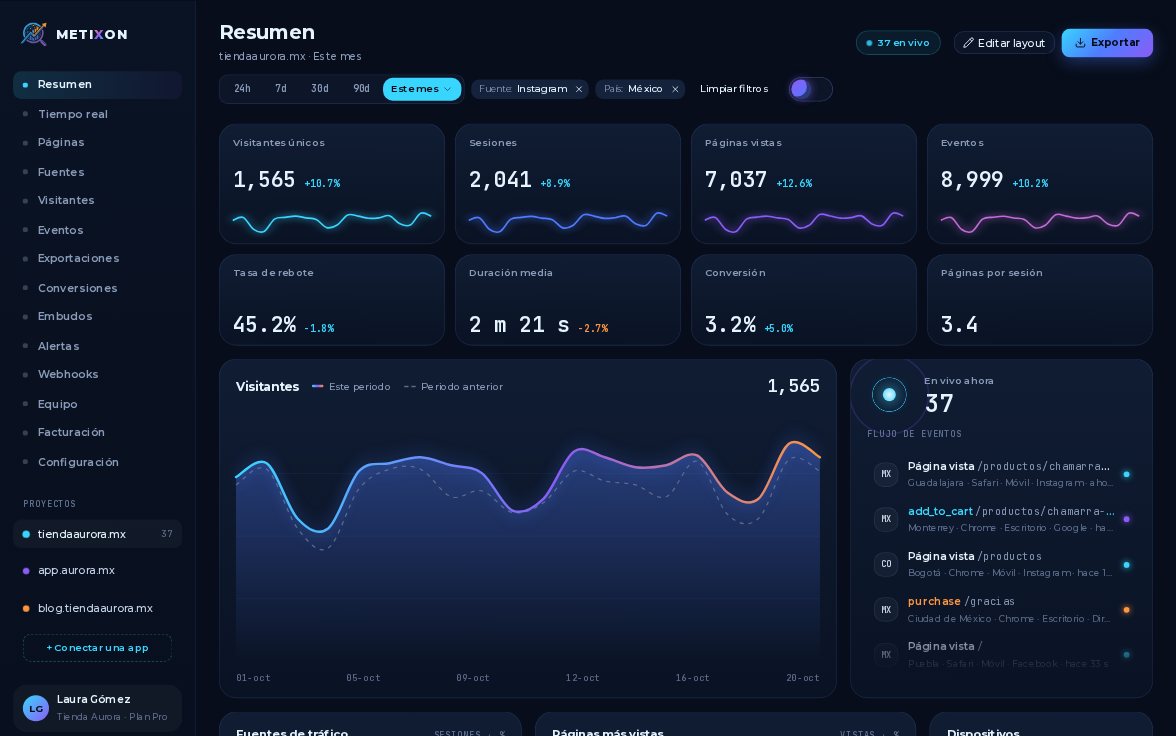 1.2
1.2Filter by date range and segment
Narrated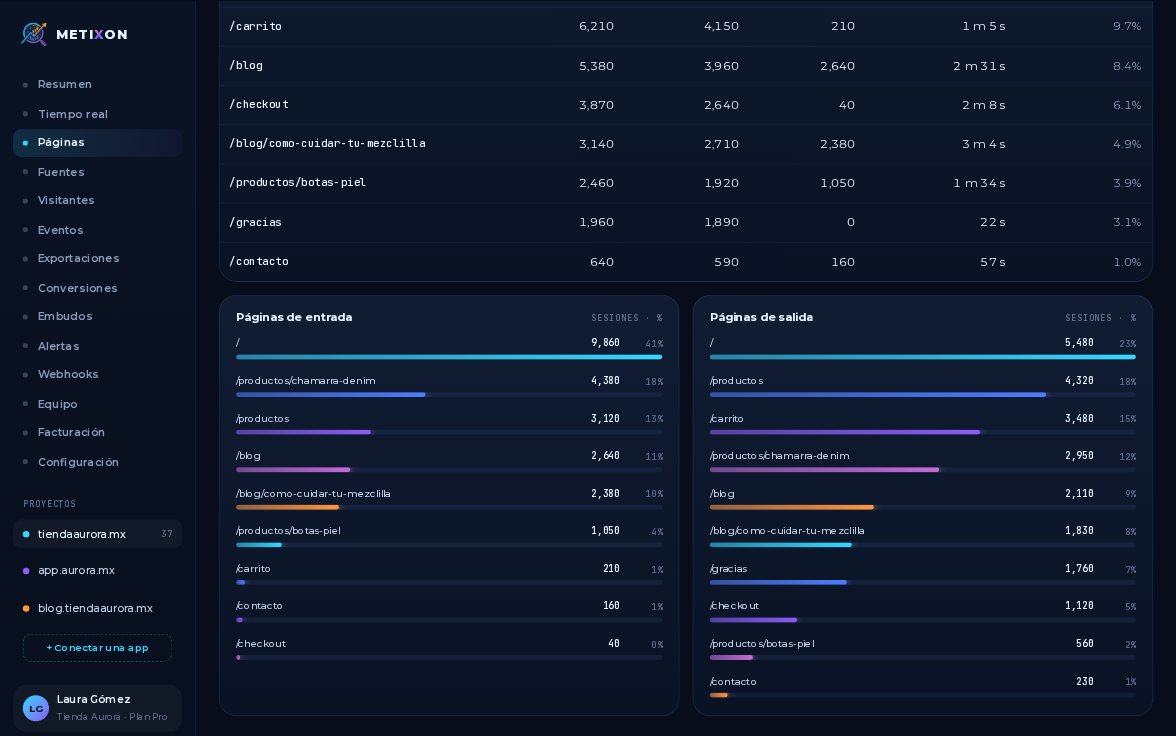 1.4
1.4Find your most viewed pages
Narrated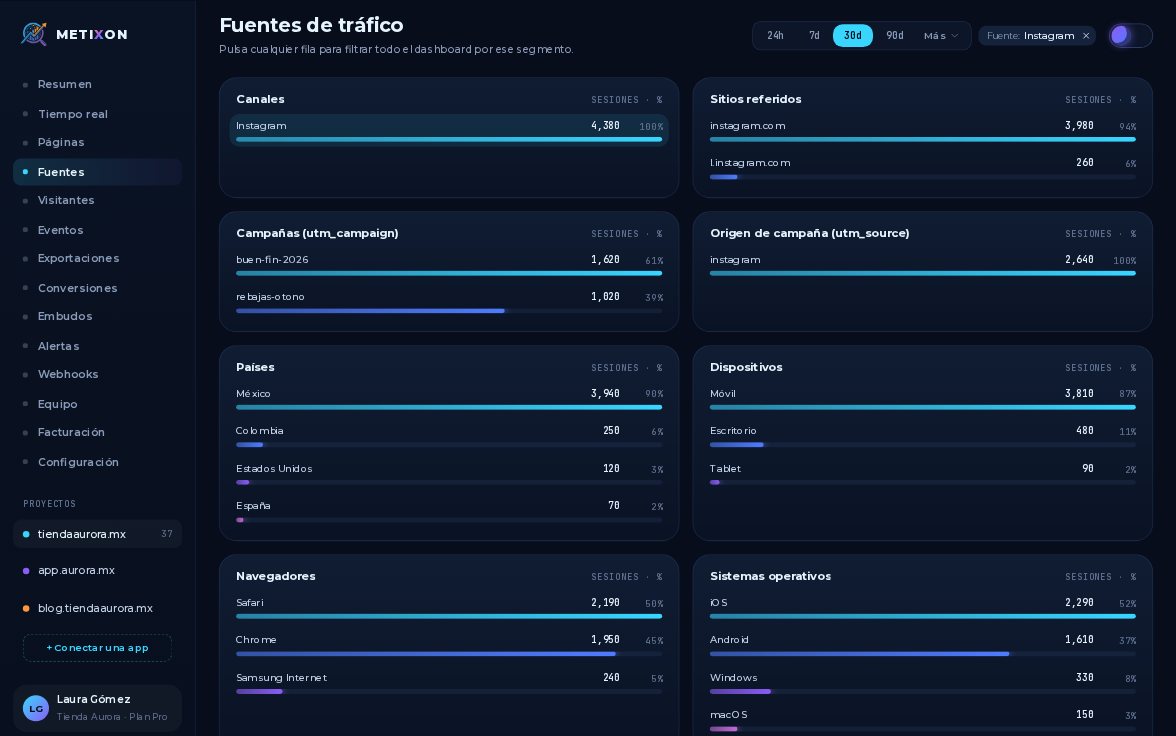 1.5
1.5Traffic sources and UTM campaigns
Narrated 1.6
1.6