How to export your data or delete your Metixon account
From My account, download a JSON file with your profile and memberships, or delete your account with your password. See what happens to your organizations.
/accountNarratedYour account: export or delete your data, step by step
Hi. Here's your account, how to download your data, and what happens if you delete it.
1My account from the user menu
At the bottom of the sidebar is your user card. Click it and choose My account.
There are three cards: resend the verification email, export your data, and delete your account.
2Export data: your profile and memberships in a JSON file
Under Export data, click Download. You get a JSON file with your profile and memberships.
It has your name, email, and each organization you're in, with your role. Keep it as a backup or for a privacy request.
3Delete account and what happens to your organizations
Delete account removes your user. Organizations with only you are deleted, and their subscription is canceled.
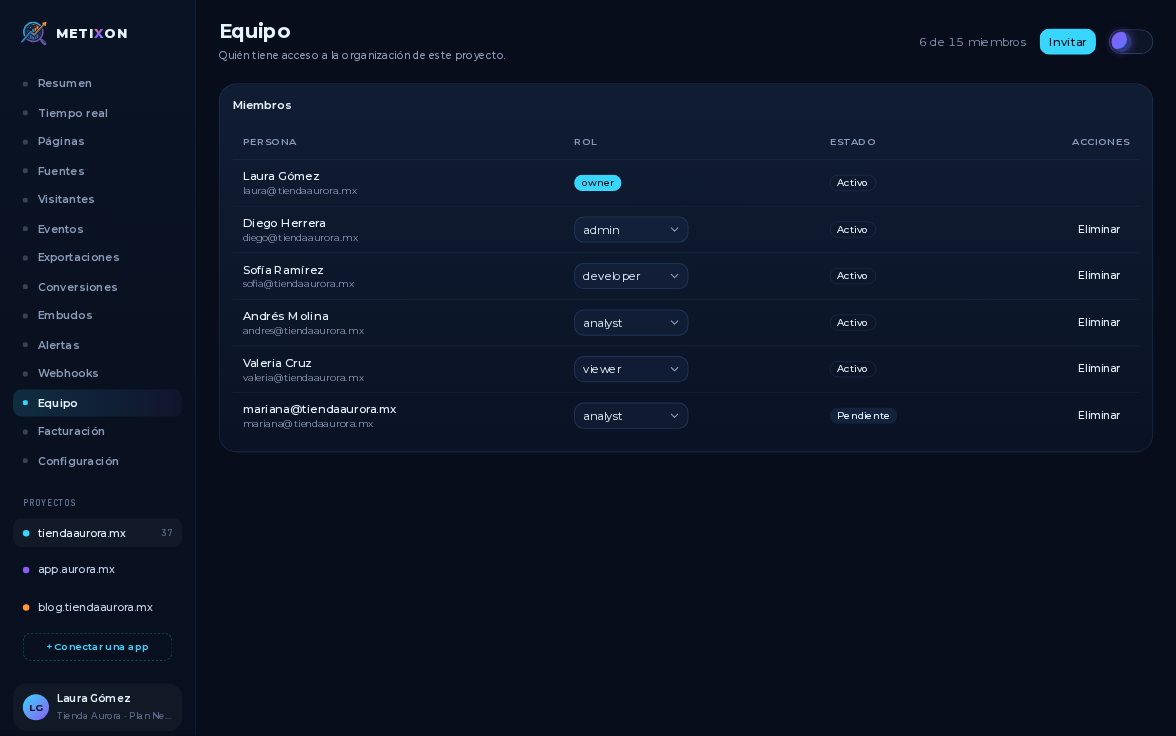
Those with more members go to the oldest admin. Tienda Aurora would pass to Diego, its admin.
To confirm, type your password and click Delete account. The browser asks once more.
Clicking OK deletes the account and logs you out. Here we click Cancel, so nothing changes.
Your account is in the user menu: download your data, or delete it with your password.
Frequently asked questions
How do I download my personal data?
Open My account from your user card and, under Export data, click Download. You get a JSON file with your profile and your memberships.
What happens to my organizations if I delete my account?
Organizations where you're the only member are deleted and their subscription is canceled. Those with more members go to the oldest admin.
How do I delete my account?
In My account, enter your password under Delete account, click the button, and accept the browser's confirmation. Your account is deleted and you're signed out.