How to rotate your keys and use the Metixon public API
What the public and secret keys are for, how to rotate them if they leak, and how to read your analytics from your server with the public API.
Access keys and the public API, step by step
Hi. Here are your project's two keys, how to rotate them if they leak, and how to read your data with the public API.
1The browser's public key and the server's secret key
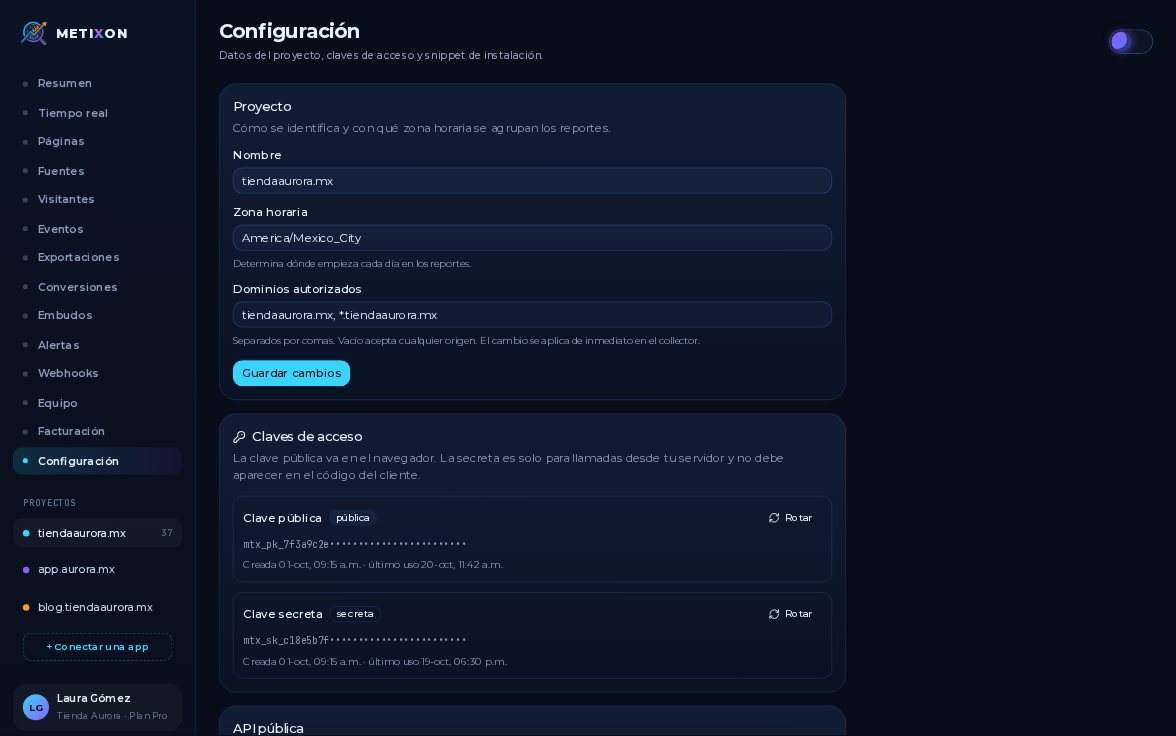
In Settings, see the Access keys card. The public key goes in your site's snippet: it lives in the browser and only sends events.
The secret key is for your server and never goes in browser code. For safety, you only see its start here.
2Rotate a key: the old one stops working
If you think it leaked, click Rotate. Metixon creates a new key, and the old one stops working at once.
The new key is shown in full only once. Copy it now and save it in your server's environment variables.
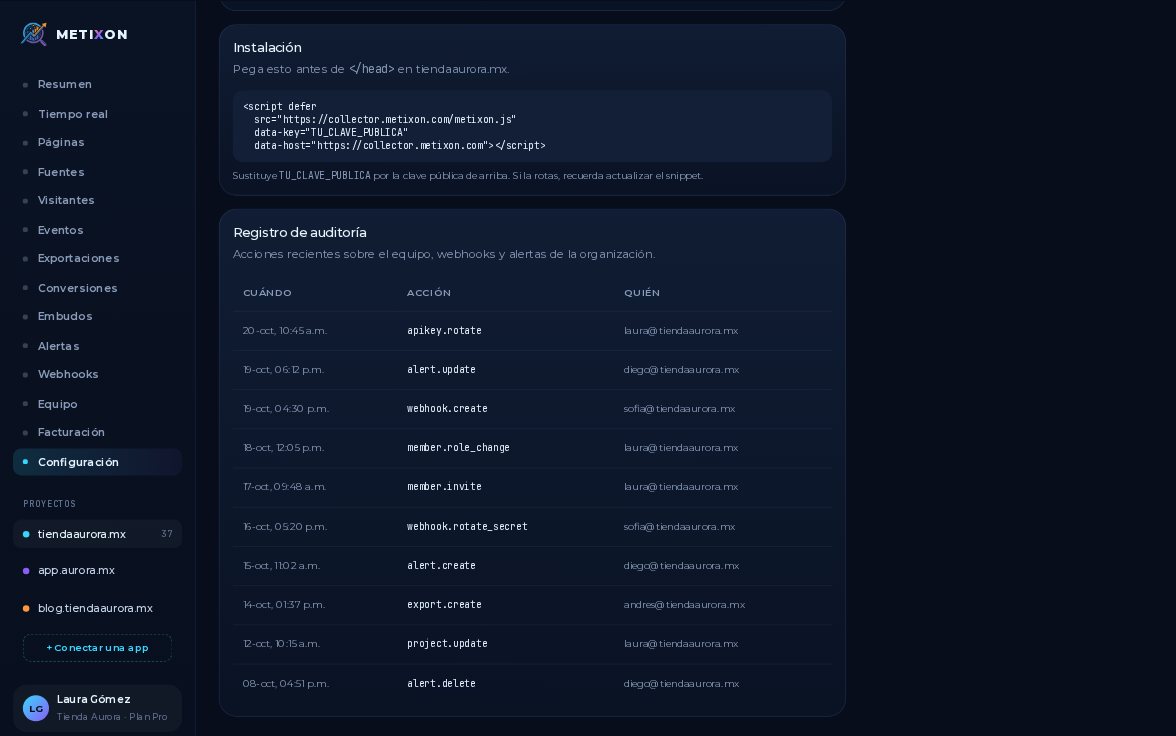
You can rotate the public key too. Just put the new one in your site's snippet, or you'll stop getting visits.
3Query the Public API with your secret key
Below is the public API: it reads your analytics from your server with the secret key, never the public one.
Try it in a terminal. Paste the example, swap in your secret key, and pick the dates you want.
You get JSON with the same metrics as your Overview: visitors, sessions, conversions, and revenue for the period.
The public key goes on your site, the secret key stays on your server, and if one leaks, rotate it in one click.
Frequently asked questions
What's the difference between the public key and the secret key?
The public key goes in your site's snippet and only sends events from the browser. The secret key is for your server and should never go in browser code.
What happens when I rotate a key?
Metixon creates a new key and the old one stops working right away. The new one is shown in full only once, so copy it and store it on your server.
Which key do I use with the public API?
The secret key, in the Authorization: Bearer header or in X-API-Key. The API is read-only and returns your Overview metrics as JSON.