How to see who made changes to your Metixon account
The audit log shows when, what action, and who changed the team, the webhooks, the alerts, or the keys of your organization.
Review the audit log, step by step
Hi. Here's the audit log, where you see who changed what in your organization, and when.
1What gets logged: team, webhooks, and alerts
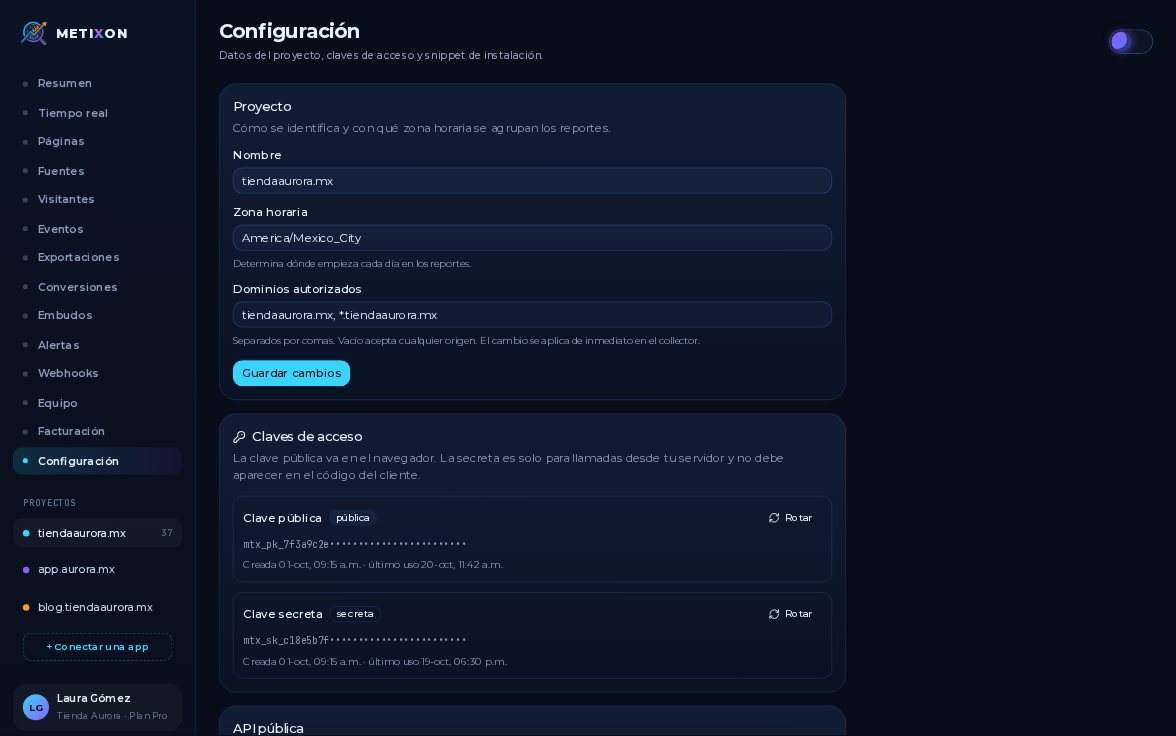
It's at the bottom of Settings, in the Audit log card, with your organization's thirty most recent actions.
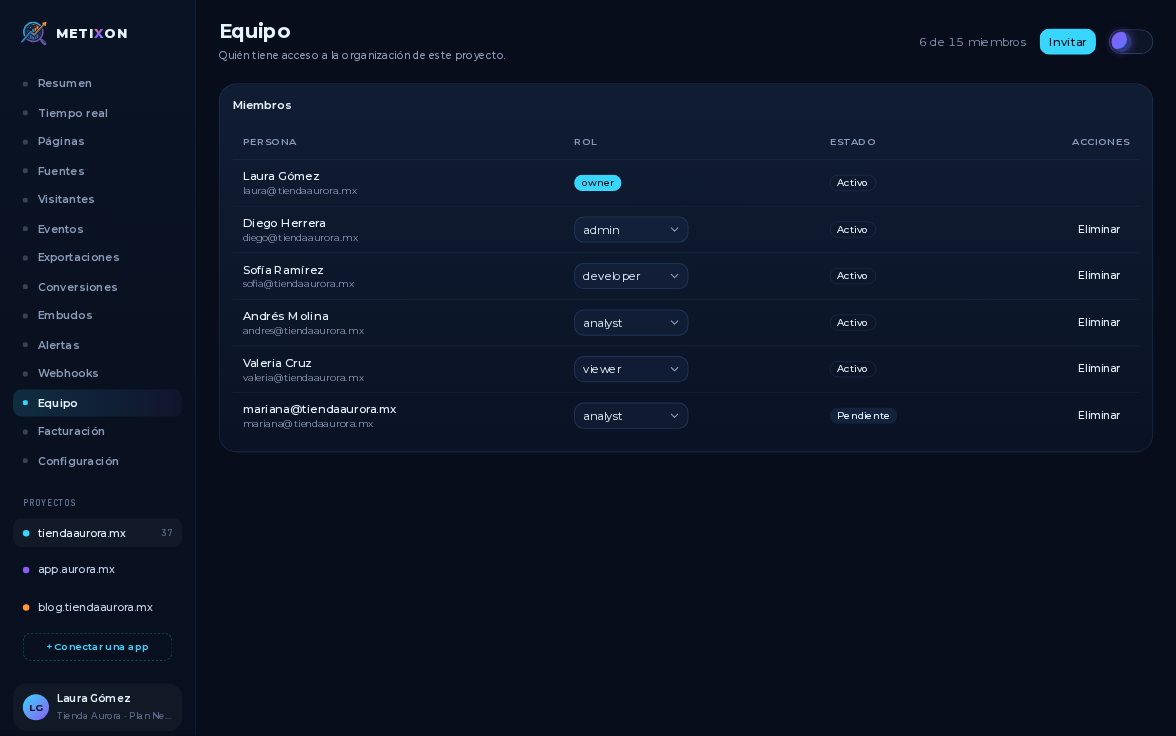
It records team changes, like invites and new roles, plus webhooks and alerts that are created, edited, or deleted.
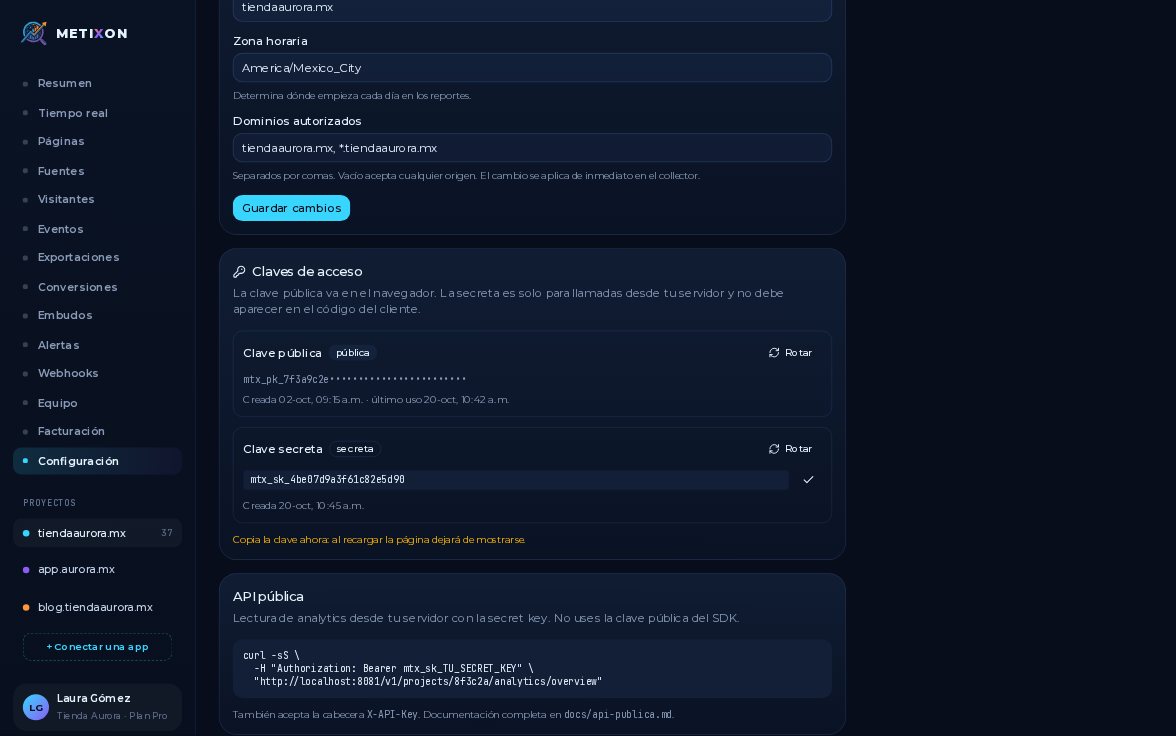
Other sensitive actions are logged too, like rotating an access key, creating an export, or editing the project.
2When, Action, and Who
Each row has three columns: When it happened, the Action with its technical name, and Who did it, by email.
For example, this row says Laura rotated an access key on October twentieth, at ten forty-five in the morning.
Only the owner and admins can see this log. Other roles see a notice that they don't have permission.
Check the log when something changes and you don't know why: it shows who did it and when.
Frequently asked questions
Where is the audit log?
At the bottom of the project's Settings, in the Audit log card, with your organization's thirty most recent actions.
Which actions get logged?
Team invites and role changes, webhooks and alerts that are created, edited, or deleted, and other sensitive actions like rotating a key, creating an export, or changing the project's details.
Who can see the audit log?
Only the owner and admins. Other roles see a notice that they don't have permission.